A little HomeLab
beneath the stairs.
This is just the start, and only one small corner of a much bigger HomeLab. It may be tucked into a downstairs closet, but I’m really proud of what’s taking shape here.
Why the closet?
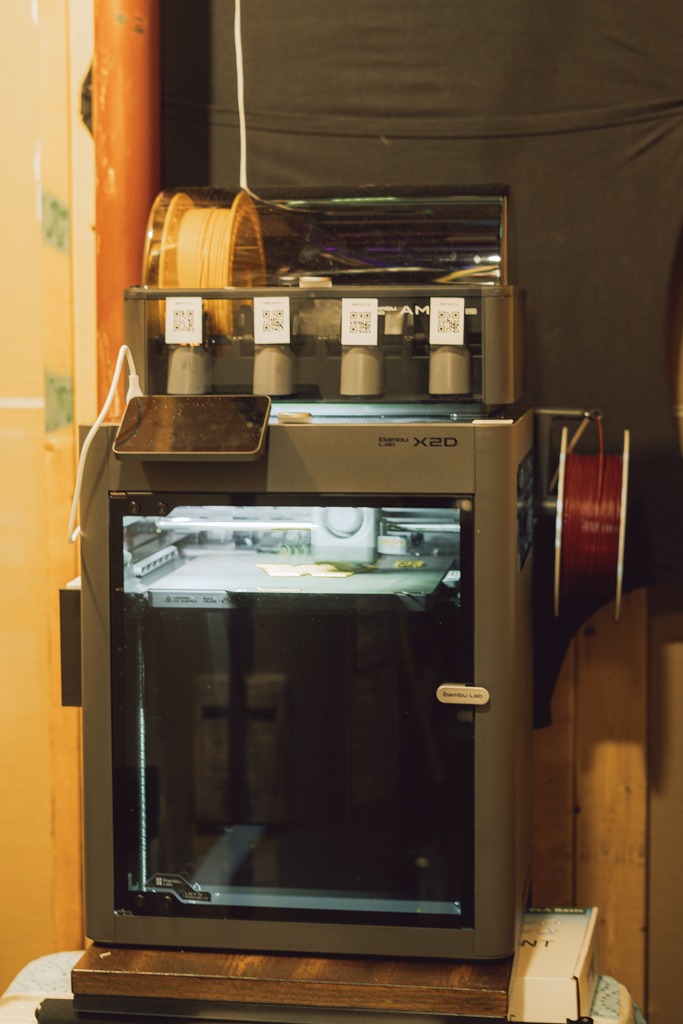
Partly because I haven’t told my daughters I got a 3D printer yet. Once they find out, I’m pretty sure the queue will fill up with every little widget, gadget, and toy they can imagine. For now, the secret workshop lives behind a door with an actual lock and key.
Honestly, I also kind of like it in here. It’s where the HVAC unit lives, and the air gets very dry during winter, which seems to help keep my filament dry. The setup is still evolving, but it already feels like my own little making space.
A camera with a job to do
The mounted camera above the printer is part of my Desk Buddy spool-monitoring system. It looks down at the filament spools through the AMS, the printer’s multi-spool feeder. I’ve built in AI image analysis to help check whether a spool looks empty or is missing.
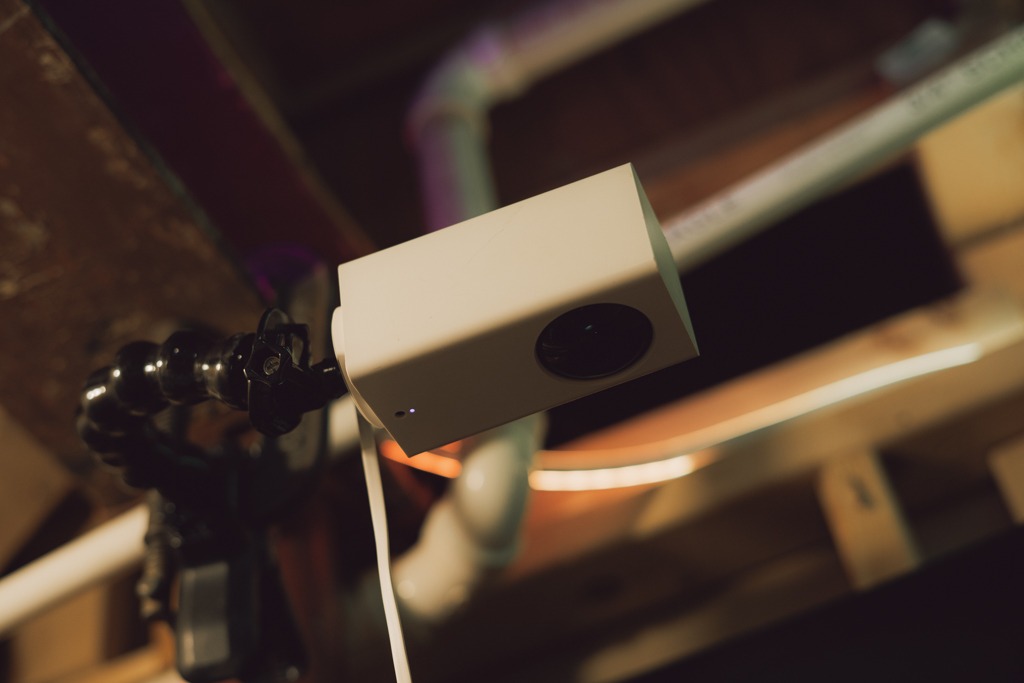
These photos capture one of the earlier versions of that arrangement. The T-shirt hanging against the wall is my very practical attempt to reduce glare from the surrounding lights. Sometimes the next improvement is software; sometimes it’s a shirt.
A convenient place for the gifts
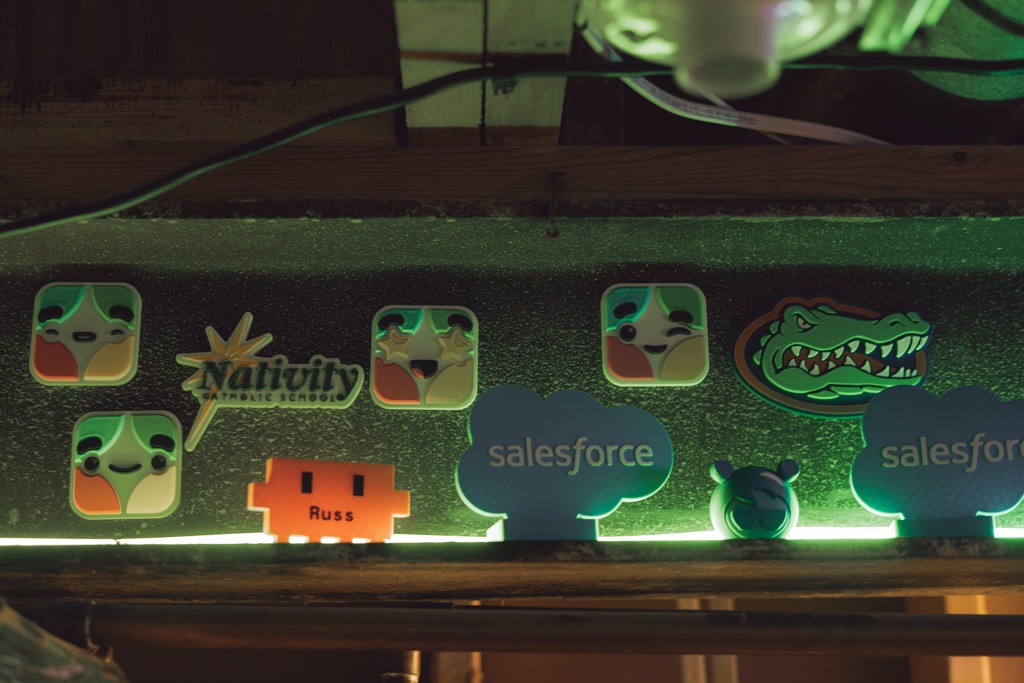
The steel beam above the printer has turned into a handy display for gifts waiting to go out. Many of them are magnets, so they stick right to it; other pieces can stand along the ledge. I added LED strip lighting, too. The wiring and installation will get a little cleanup eventually, but I love seeing the finished prints lit up here.
One small automation, connected to something bigger
A door sensor makes this space a little smarter. Open the closet door and the room lights and LED strips turn on. Close it and they turn off, while the printer keeps doing its job. It’s a small convenience, but it’s a good example of the pieces of HomeLab working together.
How Desk Buddy fits in
From my desk, I can pull up the spool camera to check on things. I can also access it from my Desk Buddy Pi: a Raspberry Pi with a touchscreen, a custom 3D-printed case, and a custom interface I’ve been building with AI assistance and tools I found online.
My Desk Buddy V3 dashboard began as a Claude artifact—an interactive interface I could try out and refine. I then moved it into a web app hosted on a Linux virtual machine on my Proxmox server. Proxmox lets one physical computer run separate virtual computers; the Linux VM is the one serving the dashboard.
The Pi opens that dashboard in a browser on its touchscreen, much like my desktop opens a website. The server hosts the app, and the Pi provides the screen and touch controls. That lets me keep improving the dashboard in one place and bring the camera view and connected tools together in a dedicated device on my desk.
What’s next?
The Proxmox server also lives in this closet. I’m starting to wonder whether the heat makes this the best home for it, so checking and monitoring temperatures is on my list as I rethink the space.
- A backlit, 3D-printed HomeLab sign for wherever my future HomeLab desk ends up.
- Possibly adding drywall to finish out the under-stairs area.
- Cleaner LED installation and a more intentional layout as the setup grows.
I’m planning a video overview of the bigger HomeLab. Until then, this is a quick peek at what I’m building beneath the stairs—and a starting point I’m happy to share.